Take the app tour again
The tour shows where everything is in five short steps. You can replay it, and see what changed in Empuan 2.0, any time.
1 min read Updated 27 October 2026
Steps
1
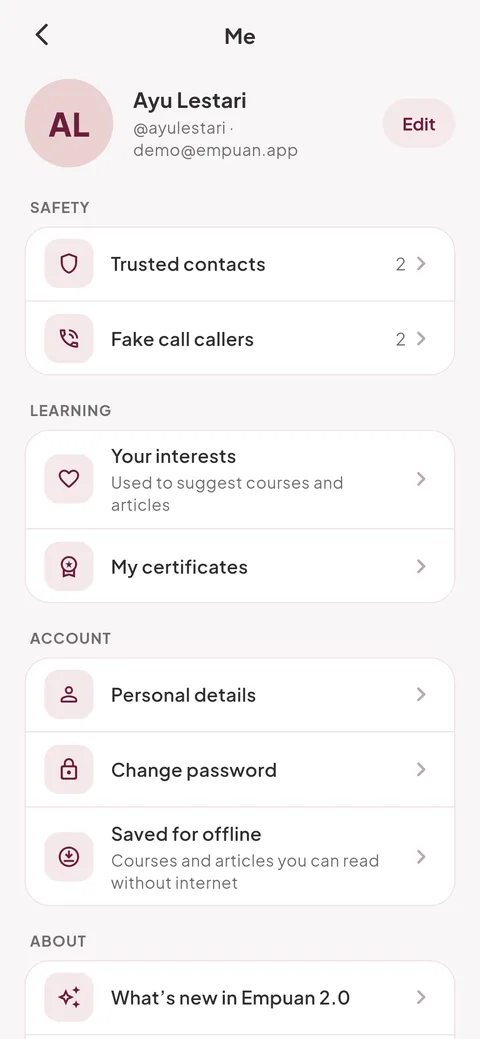
Open Me
Tap your initials at the top right of Home.
2
Tap “App tour”
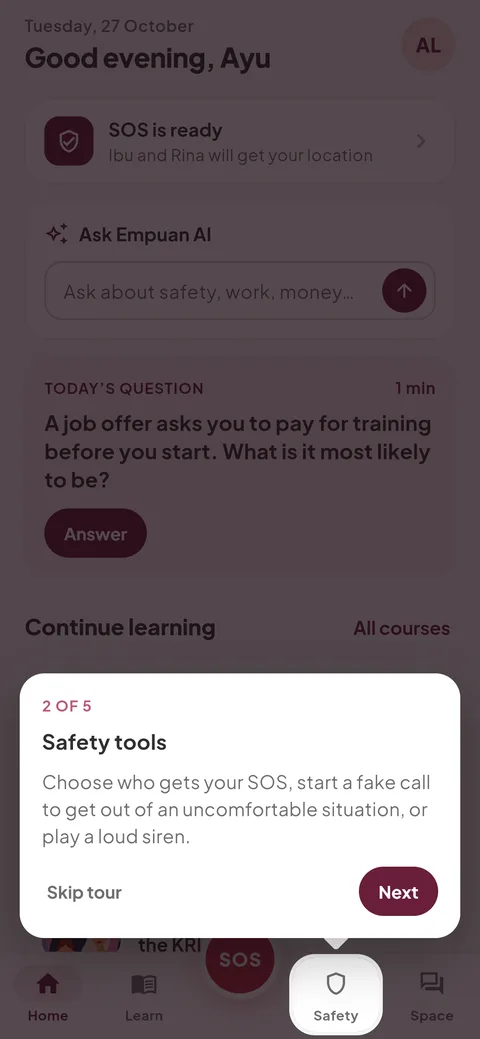
It’s in the About group. Empuan goes back to Home and highlights each part: your SOS button, Safety tools, Empuan AI, Learn and Her Space, and your profile.
- Tap “Next” to move on, or “Skip tour” to stop.
3
See what’s new
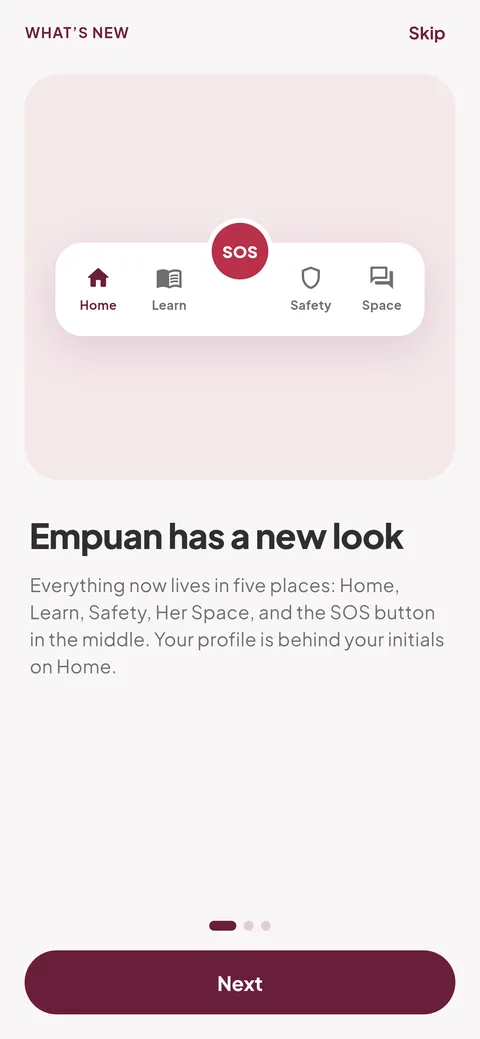
Tap “What’s new in Empuan 2.0” in the same group to see the three pages about the new look, the new SOS, and what changed. “Show me around” at the end starts the tour.
Empuan doesn’t contact the police. If you’re in danger, call 112.
Thanks, glad it helped.