Take a lesson quiz
Some lessons end with a short quiz. Pass it to count the lesson towards your certificate.
2 min read Updated 27 October 2026
Steps
1
Open the quiz
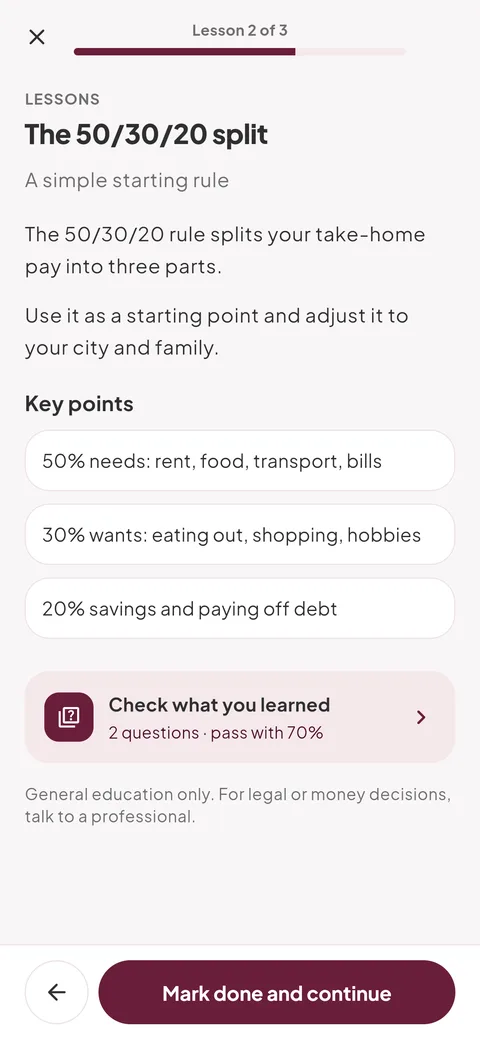
At the end of a lesson, tap “Check what you learned”. It shows how many questions there are and the score you need to pass.
2
Answer each question
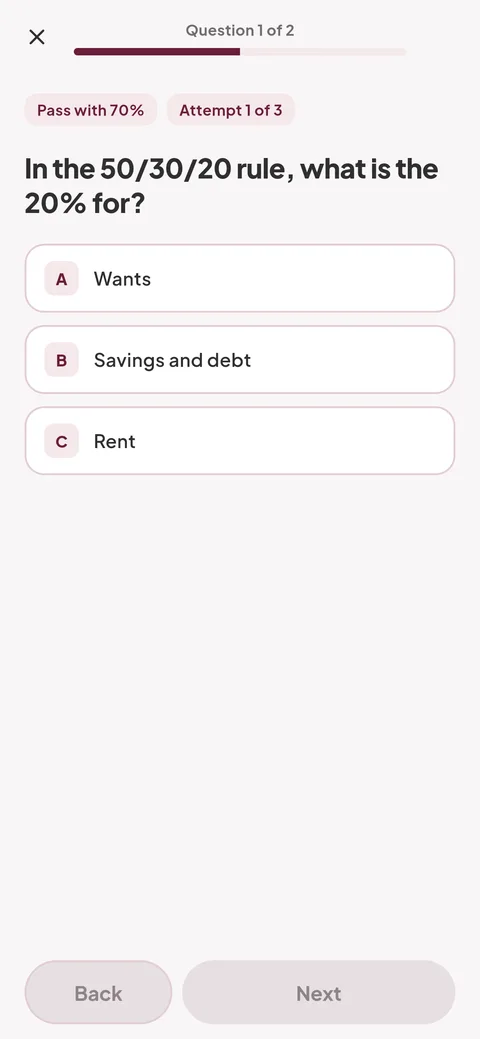
Pick one answer and tap “Next”. On the last question, tap “Submit”.
- Leaving in the middle doesn’t count as an attempt, but your answers aren’t saved.
3
See your result
You’ll see your score and which answers were right. If you didn’t pass and have attempts left, tap “Try again”.
Empuan doesn’t contact the police. If you’re in danger, call 112.
Thanks, glad it helped.