Find or delete past AI chats
Your chats with Empuan AI are saved so you can pick them up later. Delete any you don’t want to keep.
1 min read Updated 27 October 2026
Steps
1
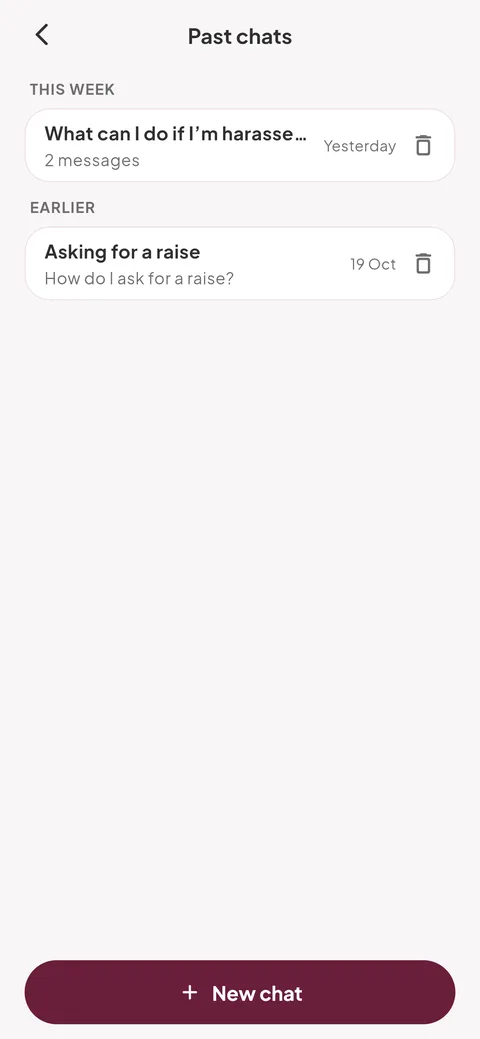
Open past chats
In Empuan AI, tap the clock icon (“Past chats”) at the top right.
2
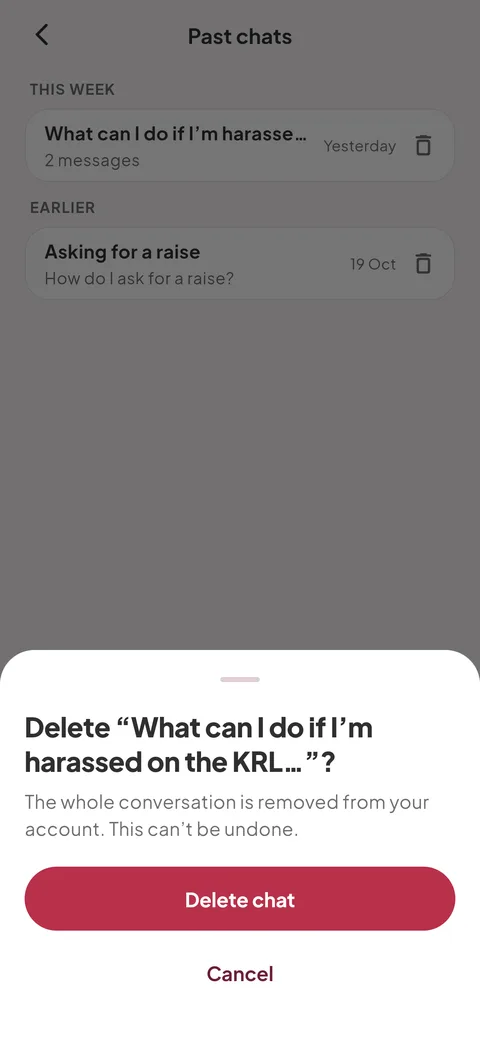
Delete a chat
Tap the bin next to a chat, then “Delete chat”. The whole conversation is removed from your account.
Empuan doesn’t contact the police. If you’re in danger, call 112.
Thanks, glad it helped.