female
Empuan
history
Viewing AI Assistant History
Revisit your previous conversations with the AI Assistant to review past health advice and tips.
01
1
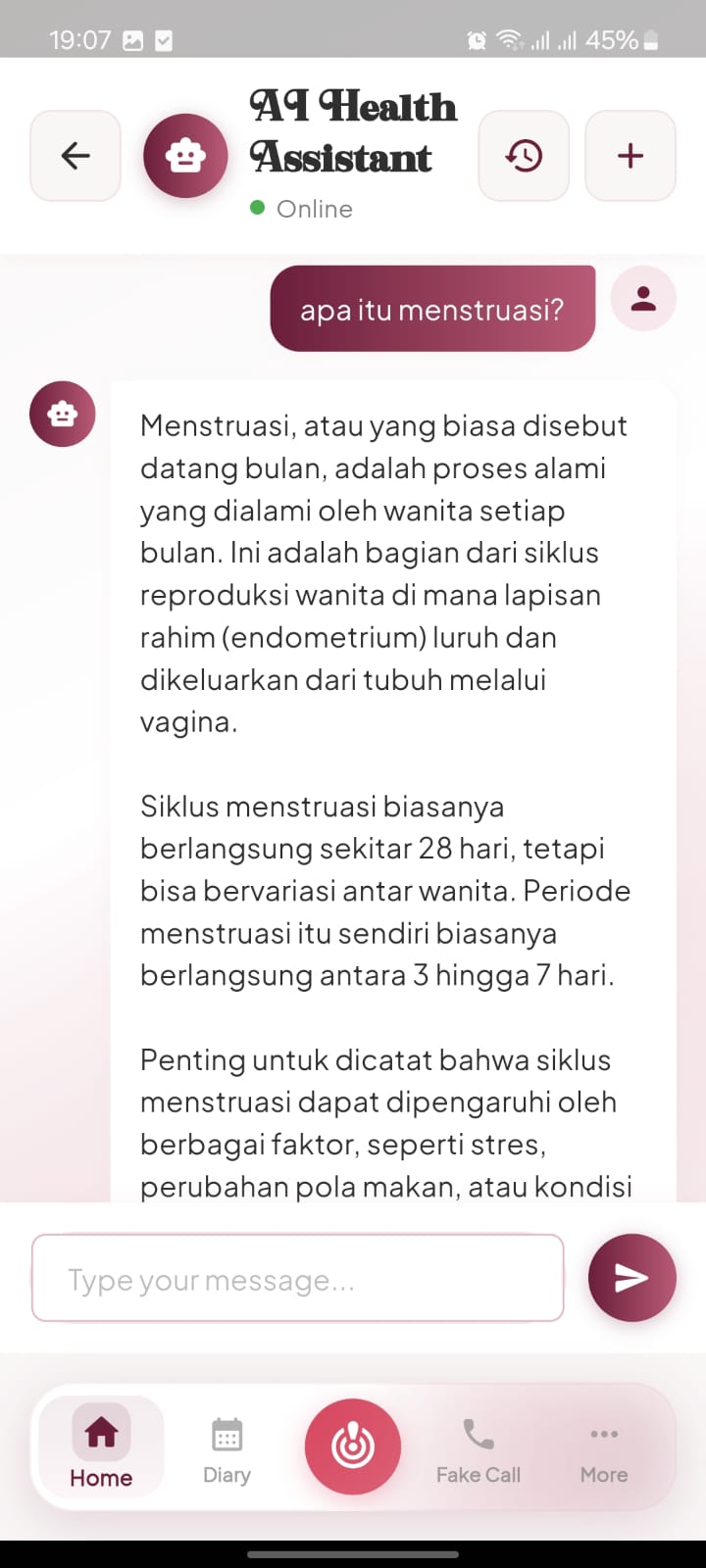
Enter Chat Interface
Tap the AI Assistant card on the home screen to access the chat.
- check_circle The AI Assistant stores your history for easy access to important health information.
02
2
Tap the History Icon
Click the clock-shaped history icon located in the top right corner of the chat screen.
- check_circle This menu organizes all your past conversation sessions chronologically.
03
3
Choose a Topic
Tap on a specific past conversation from the list to reopen and review the full chat.
- check_circle You can use the trash icon next to each entry to delete specific chat sessions.
04
4
Read Saved Responses
Scroll through the reopened conversation to find specific health details or past advice.
- check_circle These logs are useful for tracking changes in your symptoms or wellness goals over time.