female
Empuan
favorite
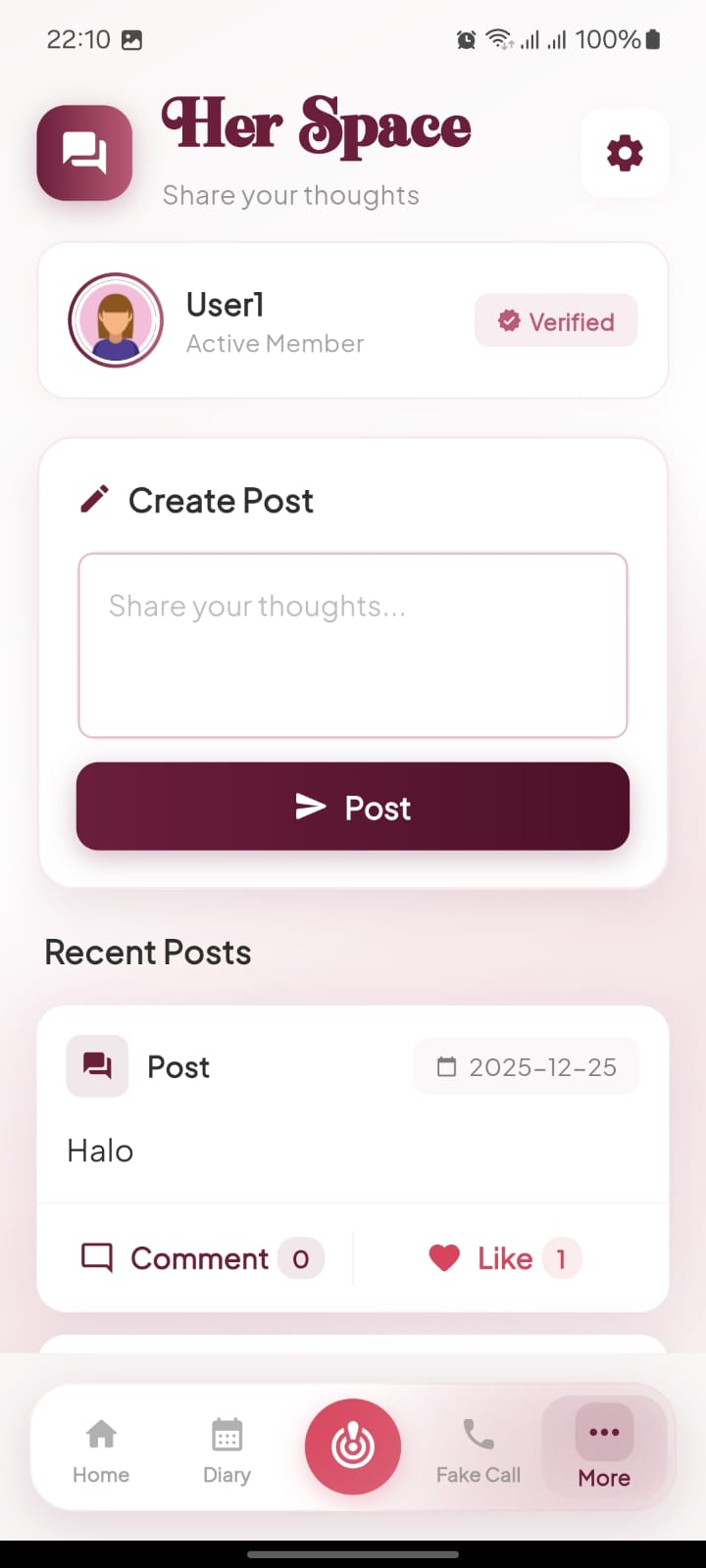
Liking a Post in Her Space
Support other community members by liking their shared thoughts and posts in the Her Space forum.
01
1
Access Additional Features
Tap the More button in the bottom right corner of the navigation bar to find community features.
- check_circle The More menu contains social and community tools that are separate from your private health tracking.
02
2
Visit the Discussion Board
Select the Her Space option to view recent posts and shared thoughts from other active members.
- check_circle You can scroll through the "Recent Posts" section to see the latest community activity.
03
3
Tap the Like Icon
Click the heart icon labeled Like at the bottom of a post to show your appreciation.
- check_circle Once you tap the icon, it will turn red and the like count will increase to confirm your interaction.